Best Wallet Tracker for Android & Google Find Hub in 2026 — And Why One Card Works for Both
By InCard Team · August 18, 2026 · 8 min read
Best Wallet Tracker for Android & Google's Find Hub in 2026 — And Why One Card Works for Both
If you have an Android phone and you've been shopping for a wallet tracker, you've probably already noticed the problem: most of the products you find are built for iPhone first. AirTag requires an iPhone — full stop. Several card trackers that claim Android support actually ship as separate SKUs, meaning if you buy the wrong one, it simply won't work on your phone, and a factory reset won't fix it.
The short answer: look for a tracker that uses Google Find Hub natively — no extra app, no account — and ships as a single dual-network model you can set up on any phone. The InCard Finder meets that bar, and so does the budget-focused Tagigo G for pure Android households. Below is the full breakdown: how Find Hub actually works, what to watch for when reading listings, and how the main options compare.
Why Android Wallet Trackers Are Harder to Find Than They Should Be
Apple Find My launched years ahead of Google's equivalent, so the tracker market was iPhone-shaped from the start. Even today, many review roundups lead with AirTag — which is explicitly iPhone-only — and treat Android as an afterthought.
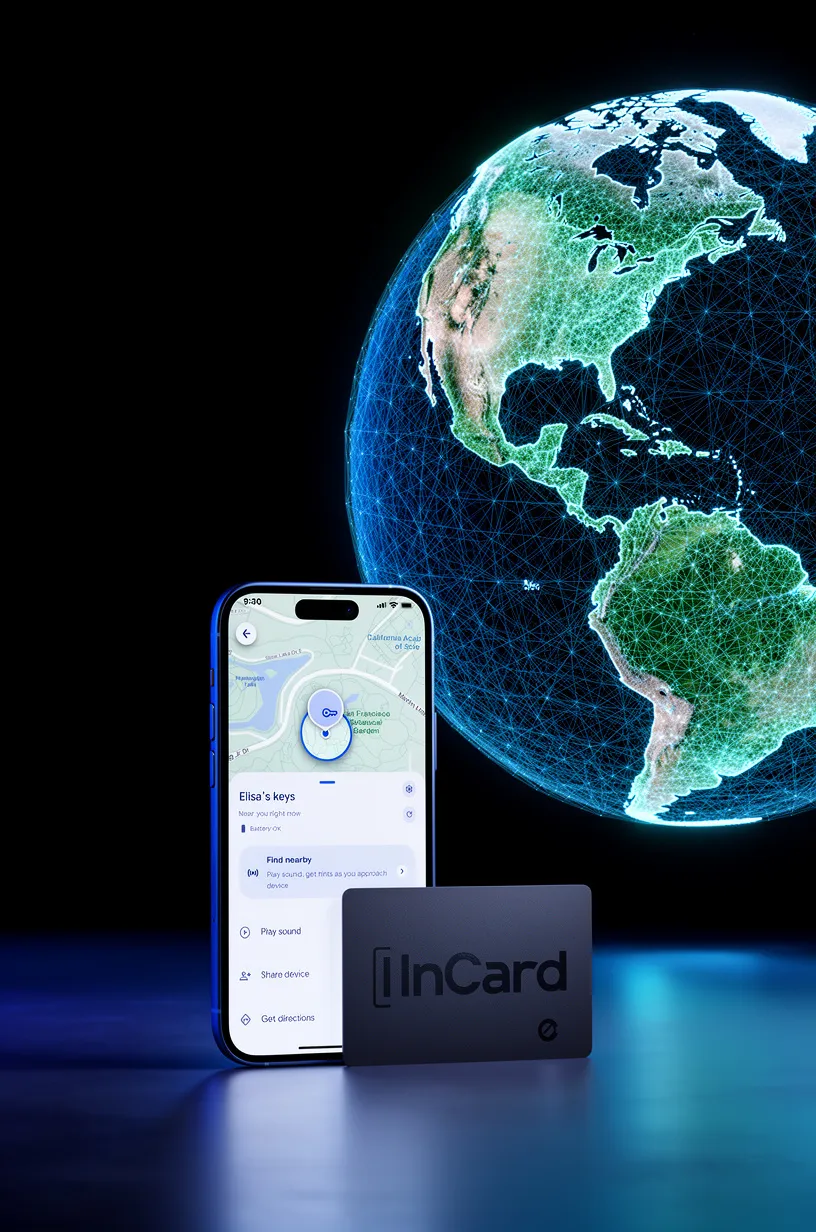
Google‘s Find Hub (formerly Find My Device) has caught up significantly. It runs on billions of Android devices and uses crowdsourced Bluetooth signals from phones, tablets, and other Android hardware to locate trackers even when they're far from your own phone.
The network is genuinely large and reliable. The problem isn't Find Hub itself. The problem is that tracker manufacturers haven't made it easy to know which products actually support it.
The SKU Confusion Problem (Read This Before You Buy Anything)
Several popular card trackers are sold as separate models for Apple vs. Android — the listing names can look nearly identical, and the difference is buried in the specs. This matters because:
- If you buy the Apple Find My version, it will not pair with Google Find Hub.
- Resetting the tracker will not switch it to a different network protocol.
- Some resellers list both SKUs on the same product page without making the distinction obvious.
Before purchasing any card tracker for Android, confirm the listing explicitly says Google's Find Hub (not just "Android compatible," which can mean the manufacturer's own app runs on Android — a much weaker claim).
InCard avoids this problem by design. Every InCard Finder is a single model — Model CARD01NC — that works with either Apple Find My or Google's Find Hub. You choose at setup. If you switch phones later, a factory reset re-pairs it to the other network. One card, any phone.
How to Set Up an InCard Finder on Android
Setup uses the Google Find Hub app that's already on your phone. There's no InCard account to create and no separate InCard app to install:
- Firmly press the button on InCard.
- Hold the InCard Finder near your phone — and waits for the half-screen pop-up notification.
- Click Connect!
- Name it ("Wallet," "Backpack," etc.) and you're done.
From that point, your wallet appears on the Find Hub map. If it's within Bluetooth range (up to 170 meters / 550 feet), you can ring it at 90 dB to find it by sound. If it's out of range, crowdsourced Android devices that pass near it relay its location back to your app — encrypted end-to-end, so neither InCard, Google, nor anyone else can see where your wallet is. Only you can.
Comparison: Android Wallet Trackers in 2026
| Tracker | Network | Android Support | Thickness | Battery Life (Android) | Waterproof | Price |
|---|---|---|---|---|---|---|
| InCard Finder | Apple Find My OR Google Find Hub (one SKU) | ✅ Native Find Hub | 1.7 mm | Up to 5 years (sealed) | IP68 | From $21.99 |
| Tagigo G | Google Find Hub only | ✅ Native Find Hub | 8.05 mm | Up to 2 years (CR2032, replaceable) | ❌ | From $11.99 |
| Chipolo Card Point | Google Find Hub only | ✅ Native Find Hub | 2.4 mm | ~2 years | ❌ | Varies |
| Chipolo Card Spot | Apple Find My only | ❌ Not for Android | 2.4 mm | ~2 years | ❌ | Varies |
| Pebblebee Card | Apple Find My OR Google Find Hub | ✅ Native Find Hub | 2.8 mm | ~12 months per charge (USB-C) | IPX6 | Varies |
| Apple AirTag | Apple Find My only | ❌ Requires iPhone | 8.0 mm | ~1 year (CR2032) | IP67 | From $29 |
Honesty note on Chipolo: Chipolo actually makes a solid Google Find Hub card (Card Point) — but you must buy the right one. The Card Spot is Apple-only. If you order the wrong version, you're stuck. InCard's single-SKU approach removes that risk entirely.
Honesty note on Pebblebee: The Pebblebee Card is also dual-network and is a legitimate competitor. Its USB-C rechargeable battery is convenient if you're the type who charges devices regularly. If you'd rather never think about your tracker's battery at all, the InCard Finder's 5-year sealed cell wins clearly — but "convenient to recharge" is a real advantage for some users.
Honesty note on UWB: Neither InCard Finder nor any card tracker currently offers Ultra-Wideband Precision Finding. If pinpoint indoor navigation matters most to you, AirTag (iPhone only) and Motorola Moto Tag (Android, Google Find Hub only, UWB on Pixel hardware) have it. Card trackers trade UWB for a form factor that actually fits in your wallet.
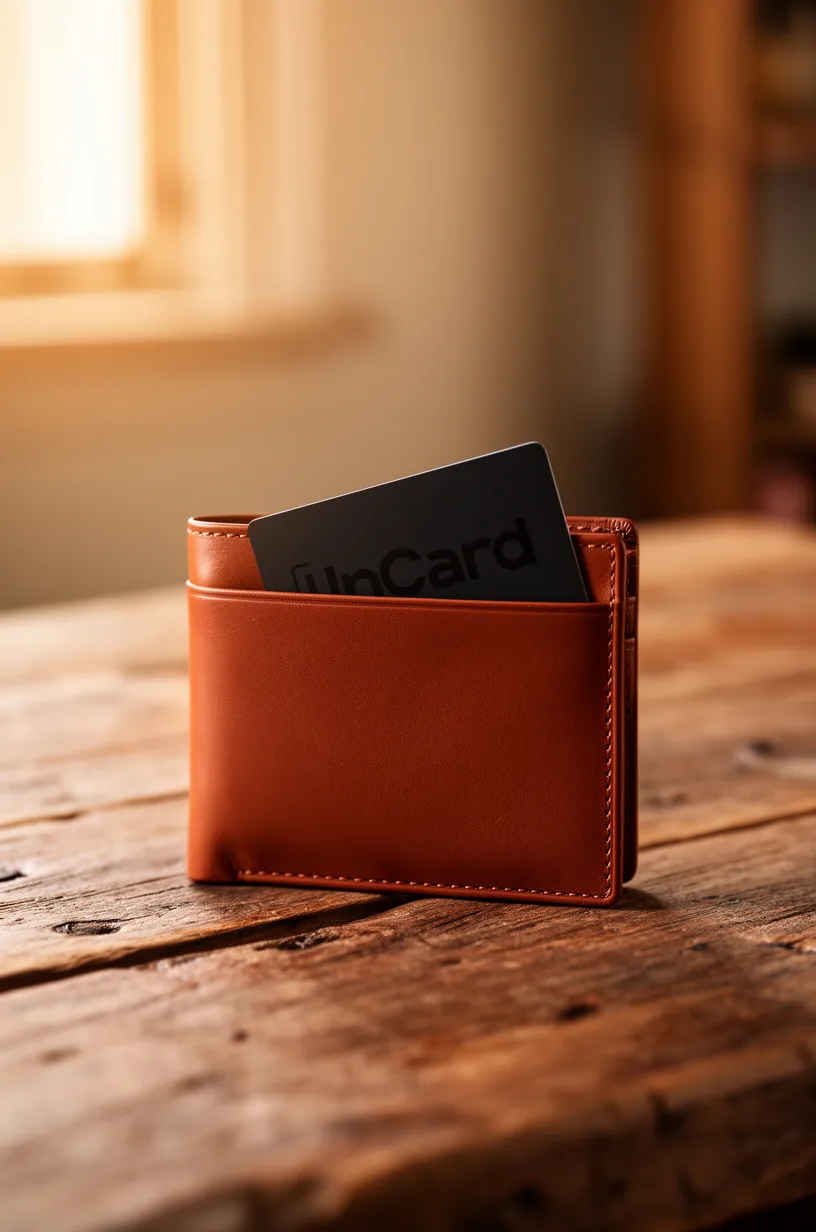
→ See the InCard Finder and pick your pack size at myincard.com/products/incard-finder.
Which InCard Product Is Right for Your Android Setup?
InCard Finder (from $21.99) — Best if you want the thinnest possible tracker (1.7 mm, credit-card sized), the longest battery life, and IP68 waterproofing. Ideal for wallets, passport holders, and bags. Works with both Find Hub and Find My, so it survives a phone switch.
Tagigo G (from $11.99) — Best if you're Android-only and want the lowest price. Square format (33 × 33 × 8.05 mm) with a keyring hole — better for keys and zipper pulls than wallets. Replaceable CR2032 battery, up to 2 years. Not waterproof. Google Find Hub only, which is fine if you're not planning an iOS switch.
If your household has a mix of iPhone and Android users, the dual-network Tagigo ($12.99) or InCard Finder is the better call — one product works for whoever ends up holding it. See our guide to trackers for mixed iPhone/Android households.
FAQ
Does Google Find Hub work as well as Apple Find My for finding a lost wallet?
Both networks are crowdsourced across hundreds of millions of devices, and both use end-to-end encryption so only you can see your tracker's location. In dense urban areas, the coverage of both networks is comparable. In very rural areas, neither works well — you're dependent on other people's devices passing near your lost item. Neither network has a meaningful scale advantage over the other for most real-world use cases in 2026.
Can I use an InCard Finder if I switch from Android to iPhone later?
Yes. A factory reset (instructions at myincard.com/faq) wipes the current network pairing. You then set it up fresh in the Apple Find My app on your iPhone. Your old Android pairing is gone, and the card behaves as a native Find My tracker going forward. You don't need to buy a new tracker.
Will Google Find Hub track my wallet if my phone is turned off or out of battery?
Your wallet's last known location stays visible on the Find Hub map. The tracker itself continues broadcasting Bluetooth — so if another Android device passes within range, it relays an updated location to your app the next time your phone is on. The tracker doesn't require your phone to be nearby or on to be found.
Is the InCard Finder waterproof?
The InCard Finder is IP68 rated — waterproof to 1.5 meters of fresh water for up to 30 minutes. This is the strongest waterproofing in the card tracker category. Note: the Tagigo and Tagigo G are not waterproof — keep those away from rain and spills.
The Bottom Line
Android has a wallet tracker problem — not because Find Hub is inadequate, but because most tracker brands still treat it as secondary. The practical result is confusing SKU splits, Apple-first review coverage, and listings that technically "support Android" only through a proprietary app with its own account requirements.
If you want a tracker that uses Google Find Hub the same way AirTag uses Apple Find My — native, no account, genuinely integrated — your cleanest options are the InCard Finder (dual-network, 1.7 mm, 5-year sealed battery) and the Tagigo G (Google-only, budget-priced, keyring format).
For a deeper look at how InCard compares to specific competitors, see InCard vs. Chipolo and InCard vs. Pebblebee.
→ Shop the InCard Finder — works with Google Find Hub or Apple Find My, no subscription, ships from Irvine, CA: myincard.com